
Home Foboma POS
Foboma POS: billing software that works offline on a Windows PC
Foboma POS is billing software that you install on one Windows PC. It works offline. Shop data stays on this PC, unless you turn on email reports: those need internet and are sent through your own email service.
Last updated
- File
- Foboma-POS-Setup-1.12.0.exe (179.9 MB, 179,927,935 bytes)
- SHA-256
26f534d3945d141304f733214132708b5307a39a4a7f4598530e6ffd22e501b0
What’s new in 1.12.0
- A Printers section: set up several printers, for the bill and for kitchen tickets (KOTs), each serving the kitchens you choose. Printers must be installed in Windows on the billing PC.
- Each KOT carries the order’s token number, which is also on the bill.
- A Kitchen tickets screen lists every KOT of the day, with reprint.
- Bill design: set the text size and alignment of each line, and add a logo and a picture at the foot, such as a UPI QR code.
- KOT design: choose what the ticket shows and in what order, with size and alignment.
- Add-ons: set up sizes, extras and choices once and give them to a category or an item. They can show under items on the bill.
- Optional scheduled email reports through your own email service (Gmail, Outlook, Brevo, SendGrid or other SMTP), with the summary in the email and an Excel file attached. This needs an internet connection and sends the report outside the PC. Everything else works offline.
- Choose Billing or Tables as the screen that opens after sign-in.
Fixed:
- In 1.5.0 and 1.5.1, a print-failure warning could be printed on the customer’s bill.
- In 1.5.0 and 1.5.1, a kitchen’s printer could not be selected.
- “Send to kitchen” failed when tables were off.
- Changing the table on an open tab now asks before moving the order.
- Failed kitchen prints stay visible, with “Print again”.
What’s new in 1.5.1
- Bills no longer show empty 0% CGST/SGST lines for items with no tax.
What’s new in 1.5.0
- Table numbers are optional.
- A bill layout you design in Settings: show, hide or reorder sections, set the header and footer, and choose the paper size.
- Kitchen stations: a separate KOT for each kitchen, each with its own printer.
- The KOT can print together with the bill, if you want.
- GST settings for restaurants: registered under the regular scheme (5%, or 18% for hotel restaurants), registered under composition (a bill of supply, with no GST charged), or not registered. Each item can follow the restaurant’s rate, have its own rate, or be outside GST.
- A clear warning when a KOT or a bill does not print.
- Only one copy of the app runs at a time.
Works offline, on one PC
Foboma POS works offline on one Windows PC. Shop data stays on this PC, unless you turn on email reports: those need internet and are sent through your own email service. There is no cloud and there are no customer records.
Billing
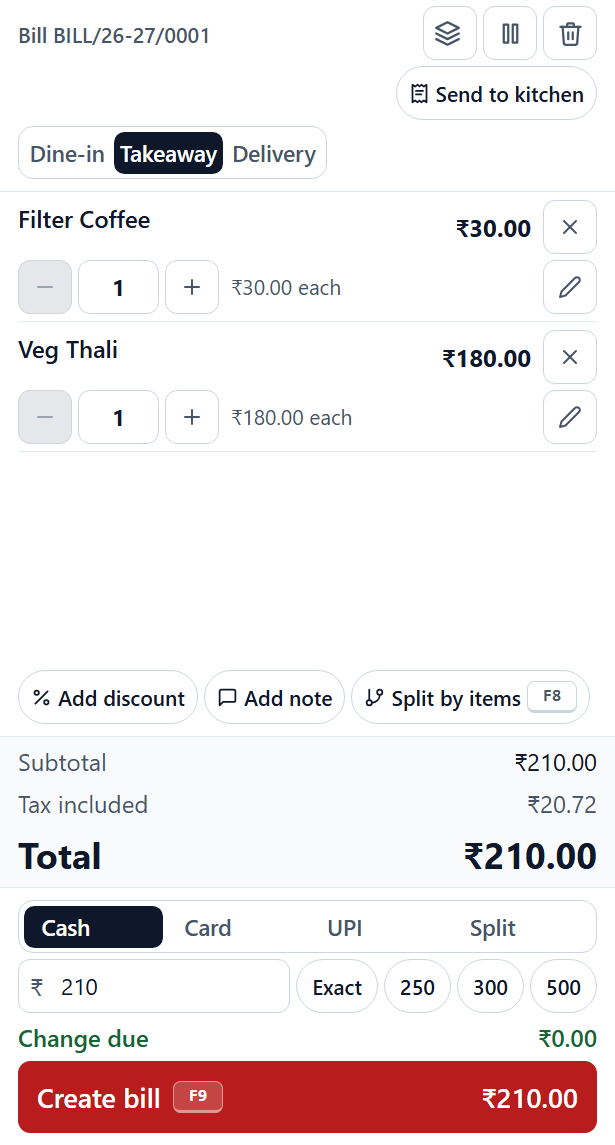
- A menu with sizes and add-ons, item notes, and veg, non-veg and egg markers.
- Dine-in, takeaway and delivery bills.
- Held tabs and a table view.
- Split bill and split payment across cash, card and UPI.
- Discounts, service and packing charges, and round-off.
GST
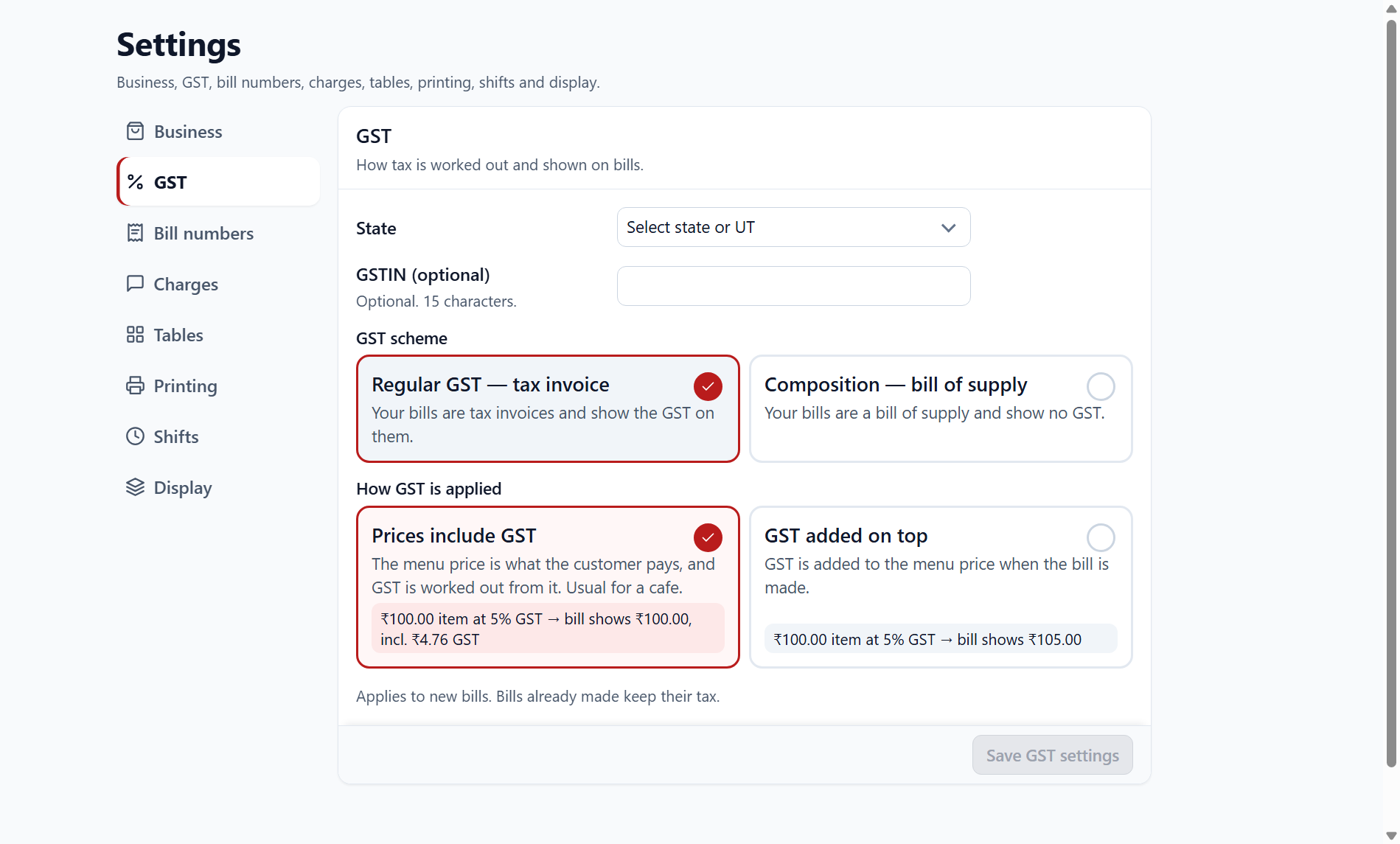
Choose the regular or the composition scheme, and set prices as inclusive or exclusive of GST. Foboma POS gives a tax breakdown.
Kitchen orders and receipts
- KOT (kitchen order tickets) print on a 58 mm or 80 mm thermal printer, and only new or changed items are sent.
- Receipts.
- The cash drawer opens through the printer driver.
Staff and access
- One Admin.
- Staff sign in with a PIN, and each person has their own permissions.
- Voids and refunds need a manager PIN.
- Every change is logged.
Shifts and the day’s records
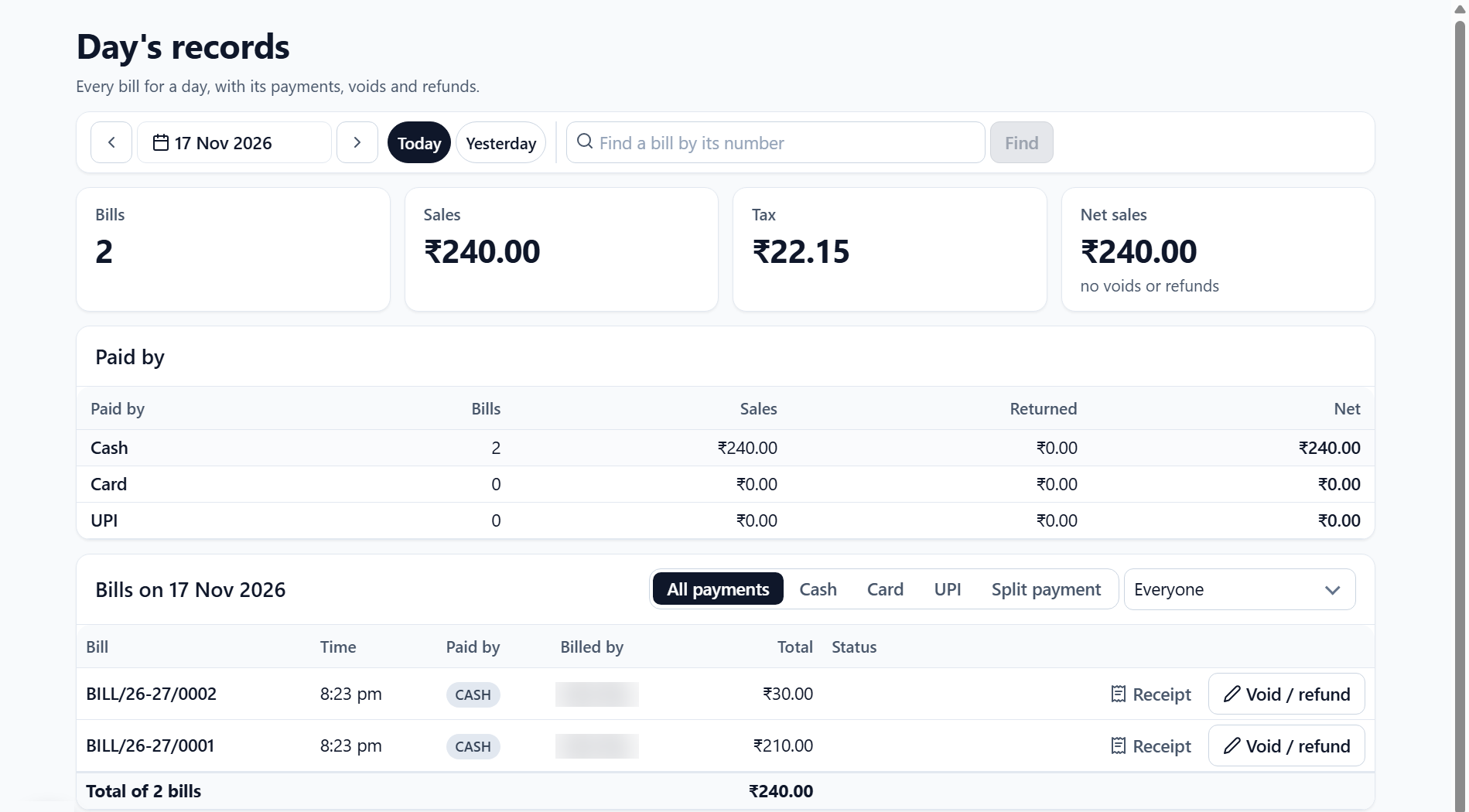
A shift ends with a closing cash count and a Z report. Day’s records lists every bill for a day, with its payments, voids and refunds.
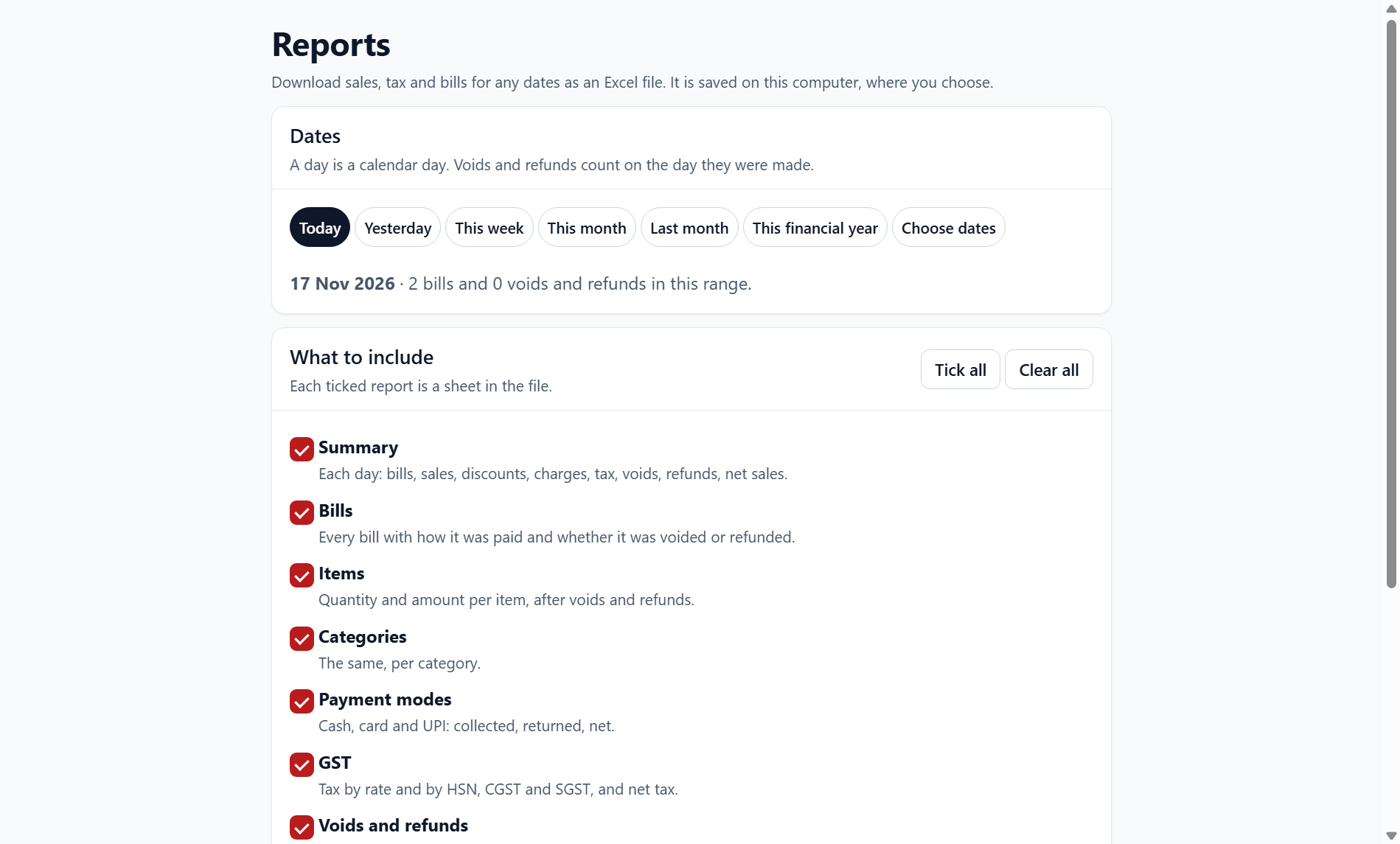
Excel reports
Download these reports as an Excel file:
- Sales.
- Bills.
- Items.
- Categories.
- Payment modes.
- A GST summary, including HSN.
- Voids and refunds.
- Shifts.
- Staff.
System and install
| Item | Detail |
|---|---|
| Operating system | Windows 64-bit. Tested on Windows 11. |
| Install | A per-user install that needs no administrator access. It takes a few minutes. |
| Where it runs | One Windows PC, offline. |
Frequently asked questions
Does Foboma POS need an internet connection?
No. It works offline on one Windows PC. Only email reports, if you turn them on, need internet: they are sent through your own email service.
Where is my shop data kept?
On the computer where Foboma POS is installed, unless you turn on email reports: those are sent through your own email service. There is no cloud, and there are no customer records.
What printers does Foboma POS print to?
Kitchen order tickets (KOT) print on a 58 mm or 80 mm thermal printer, and only new or changed items are sent. The cash drawer is opened through the printer driver.
Can I bring in my existing menu?
Yes, from an Excel or CSV file. There is a template to start from.
Do I need administrator access to install it?
No. It is a per-user install that does not need administrator access, and it takes a few minutes.
How do I check that my download is intact?
Compare the file’s SHA-256 with the one shown at the top of this page. In Windows, open a command prompt in the folder where you saved the file and run: certutil -hashfile Foboma-POS-Setup-1.12.0.exe SHA256